Git wise!
Branching and teamwork
What have we covered?
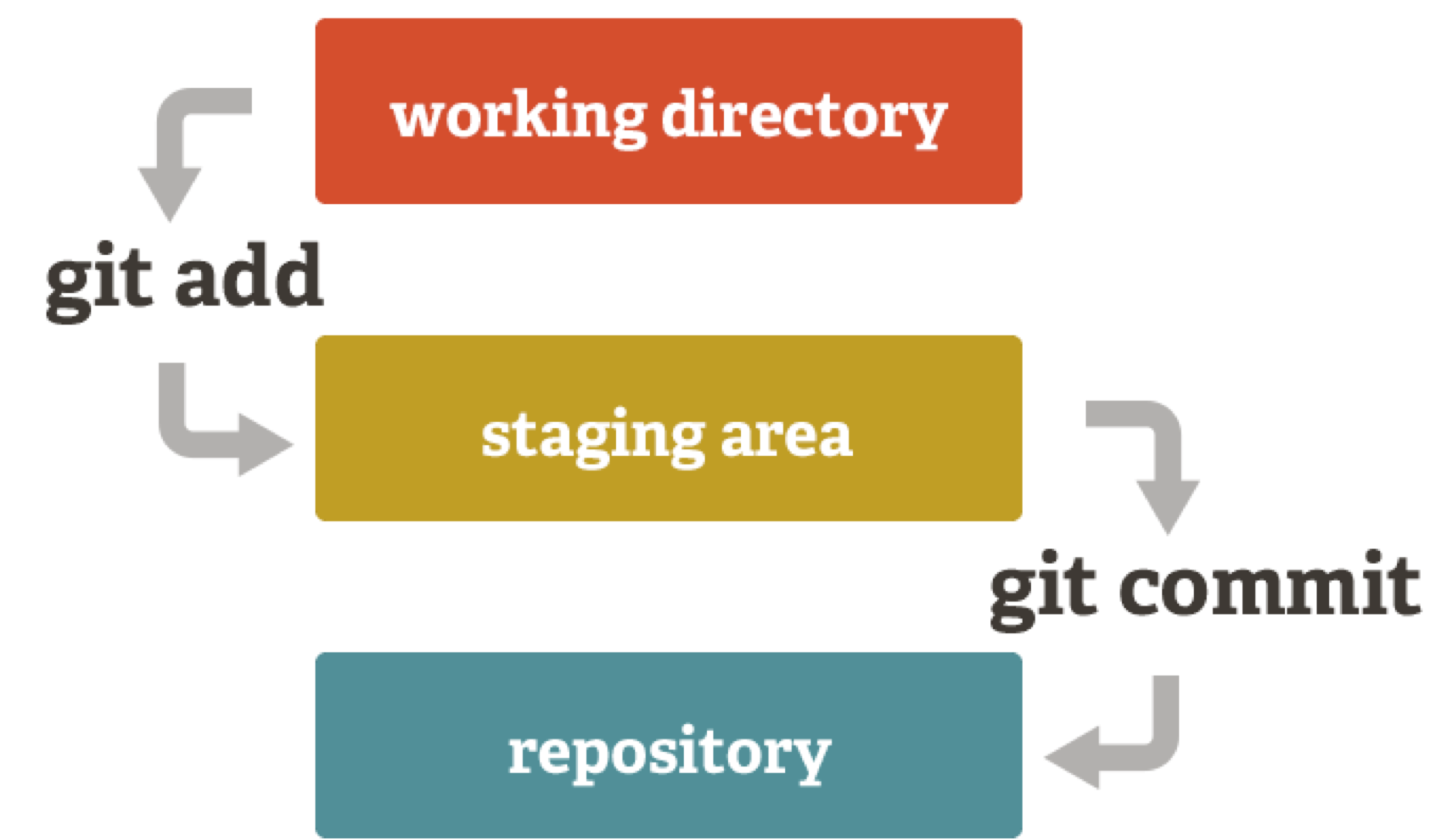
- How to setup Git
- How to move files to and from the staging area
- How to create commits
- How to create GOOD commits
Why use branches? 1
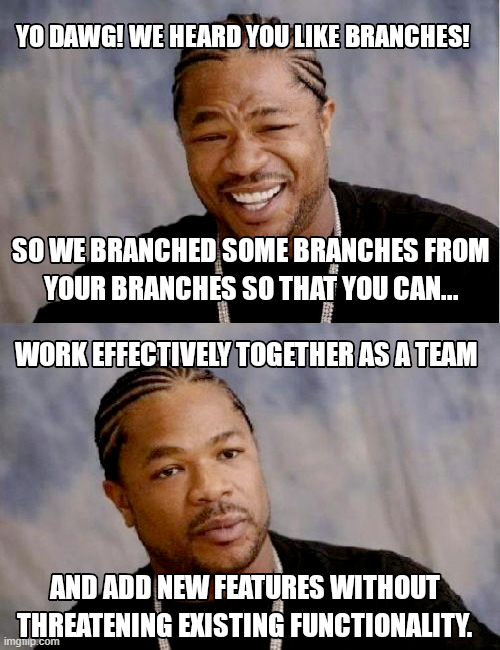
- To create a new feature without breaking existing functionality
- Allows you to go back to original version to:
- Compare output
- Do quick bugfixes
- Etc.
- Allows you to go back to original version to:
- When collaborating, avoid getting in each other’s way
Why use branches? 2
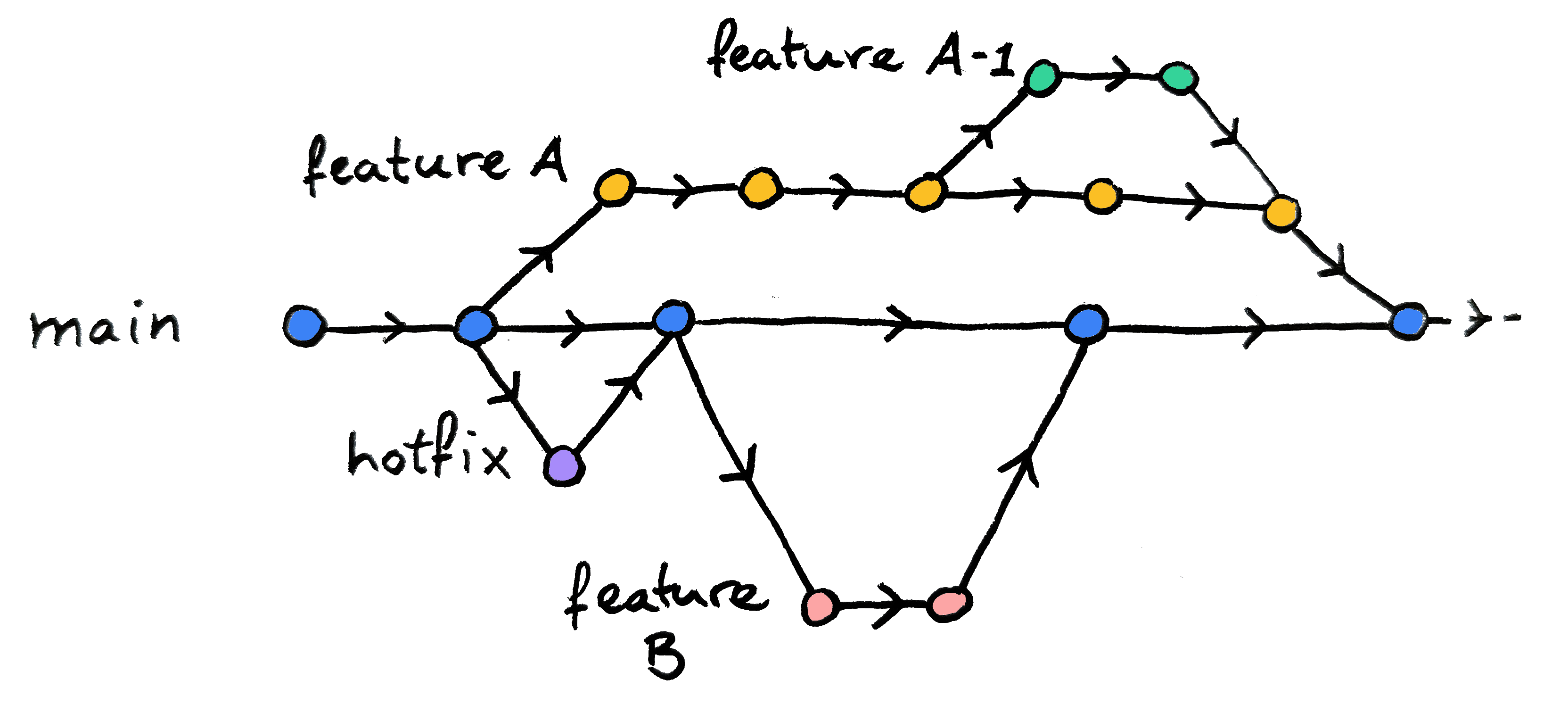
- Branches can be used:
- To add new features
- To do quick bugfixes/hotfixes
- To simultaneously explore different parameters
- As sandboxes to play around, i.e. test things
- Etc.
Switching with uncommitted changes
- You can switch branches with uncommitted changes if they do not conflict with target branch
- Useful if you started working in the wrong branch
- If they do conflict, Git will prevent you from switching!

- Commit your changes before switching
- Stash your changes (see this chapter in the Version Control Book)
- Discard your changes
- Use
git resetfor this
- Use
Merging branches: 1
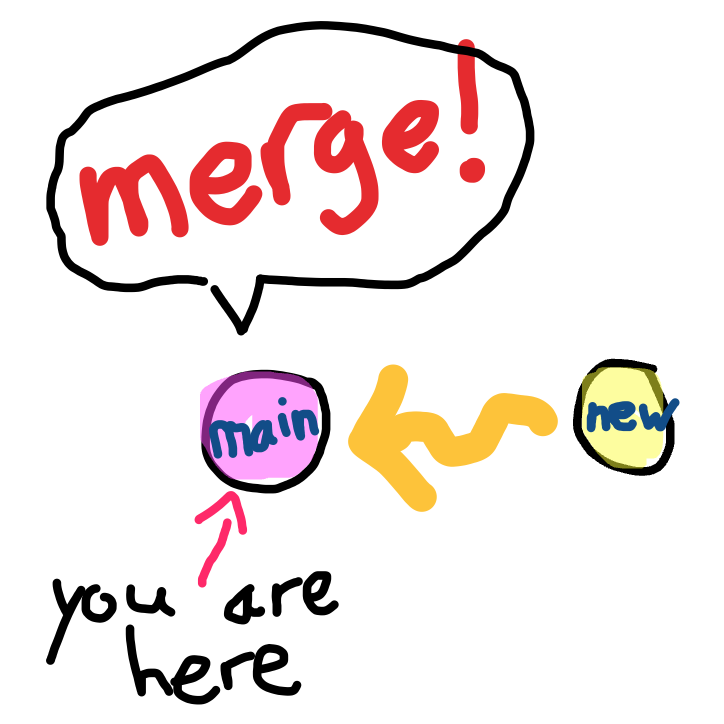
- When work on your branch is ready: time to merge!
- Go to the target branch you want to merge into (often main)
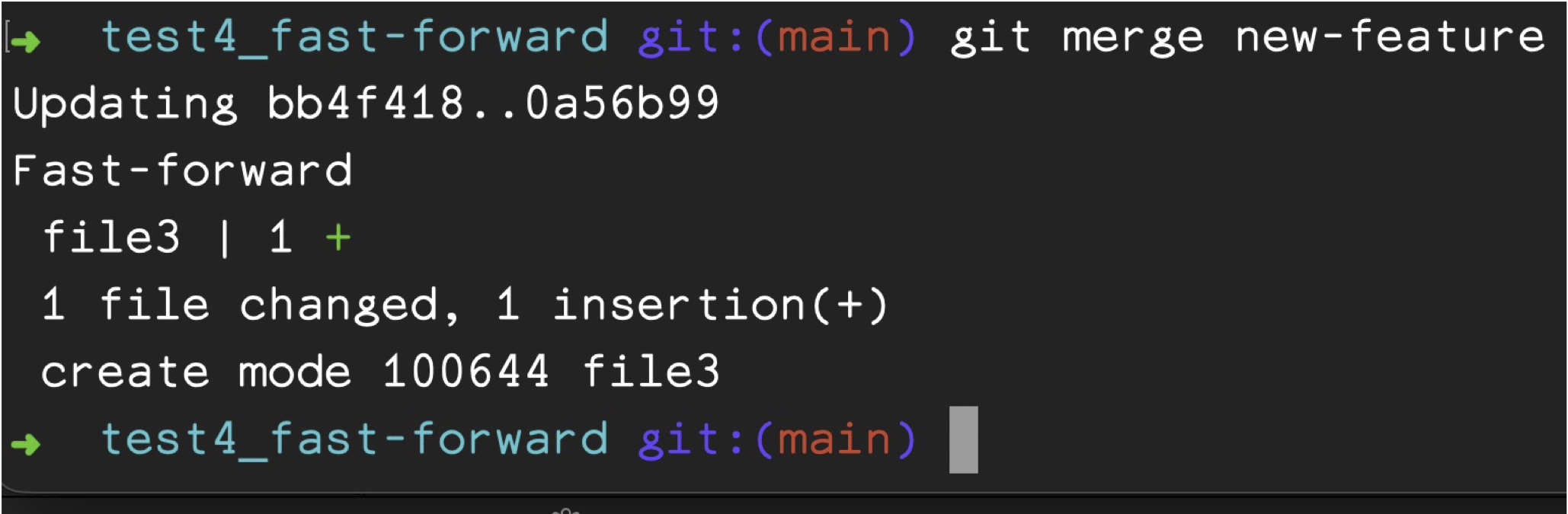
git merge branch-name
Merging branches: 3

Merge conflicts
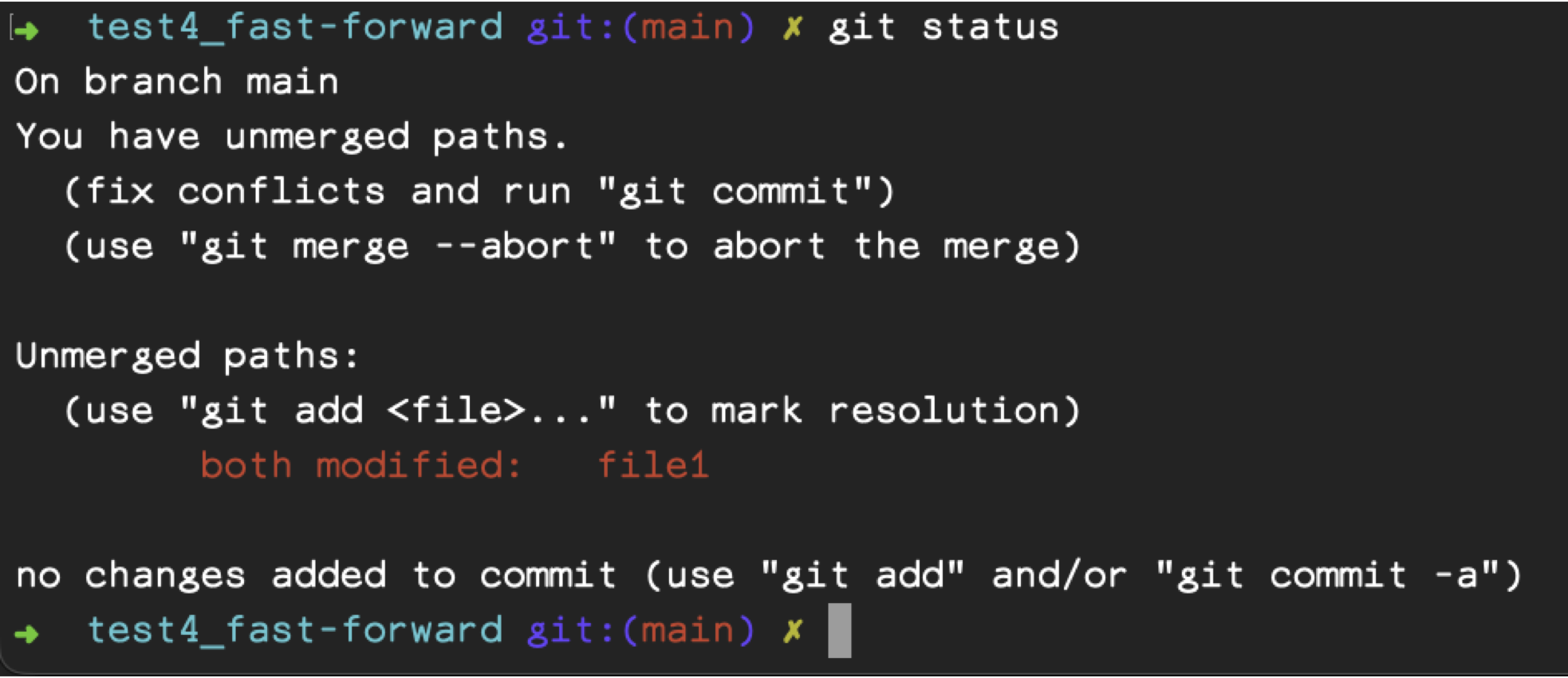
- When both branches have conflicting changes in the same file
- Git won’t know which version to choose
- It needs your help!
- How to avoid? No… minimise! (You are bound to run into them…)
- Have a clear workflow! (See section on remote repositories)

Fixing merge conflicts: 1
- How to fix?
- Git does help you!
- Fix conflicts and
git commit!
Fixing merge conflicts: 2
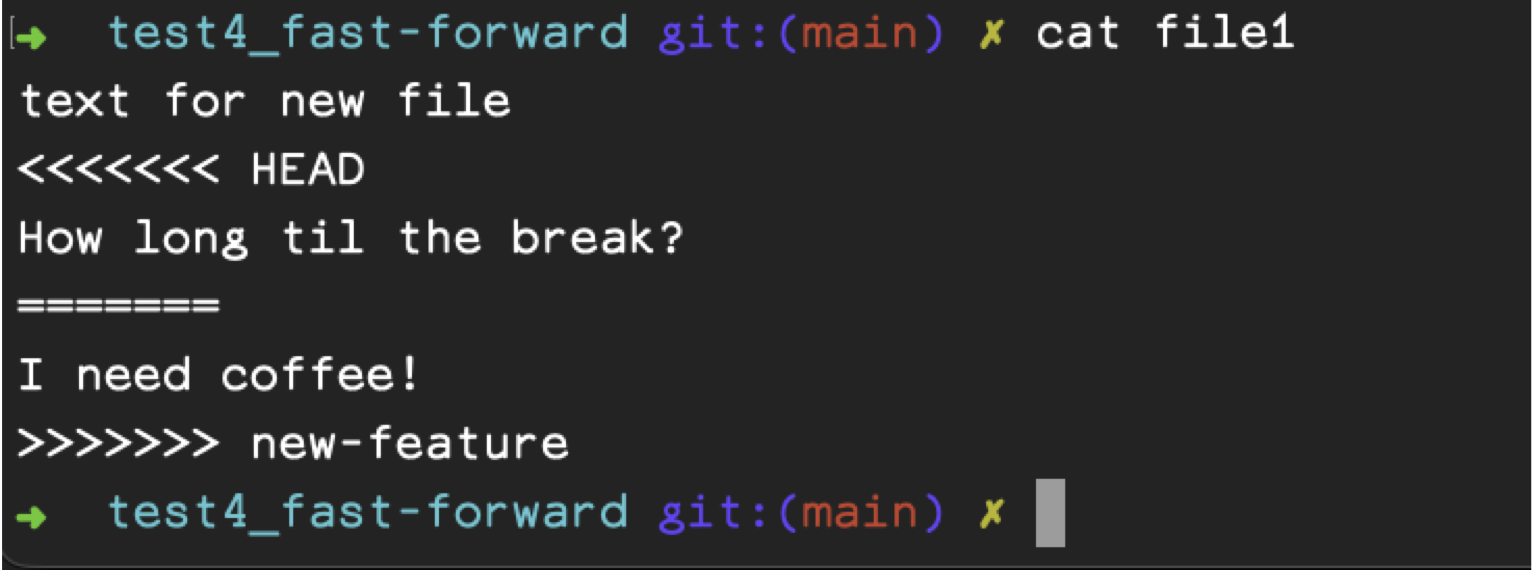
<<<<<<< HEAD |
your current branch’s version |
======= |
marks where the version from the other branch starts |
>>>>>>> new-feature |
is the end of the version from the other branch (new-feature will be the name of your specific branch) |
Fixing merge conflicts: 3
- Edit the conflicted file
- Add it to the staging area
- Commit it to resolve the conflict
- Rejoice!
What and which? 1
- Is a:
- Code hosting service
- Collaborative software development environment
- Basically:
- Hosts your code
- Allows you to share it (or not)
- Allows to work on it with others
What and which? 2
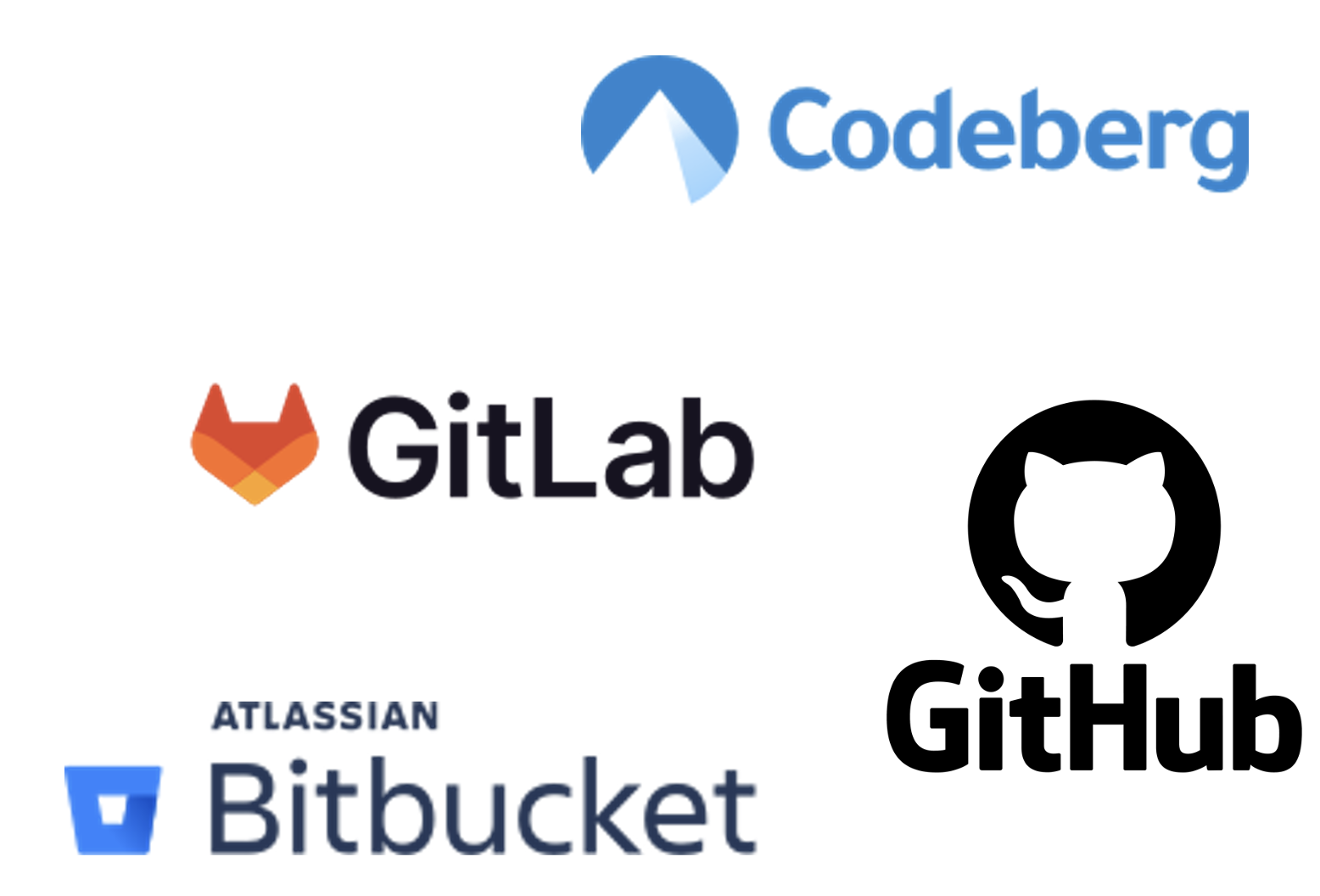
Non-profit (in EU)
Privately owned (in US)
Open source
☞ Note: only self-hosted GitLab is Open Source!
- At the moment (2026-08-19) the privately owned solutions are more feature rich.
- For most applications, Codeberg should be sufficient!
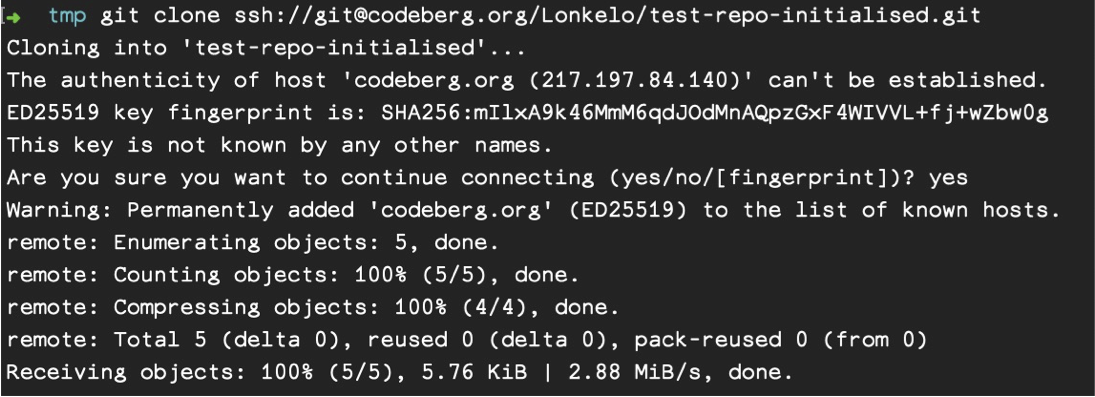
Cloning a repo
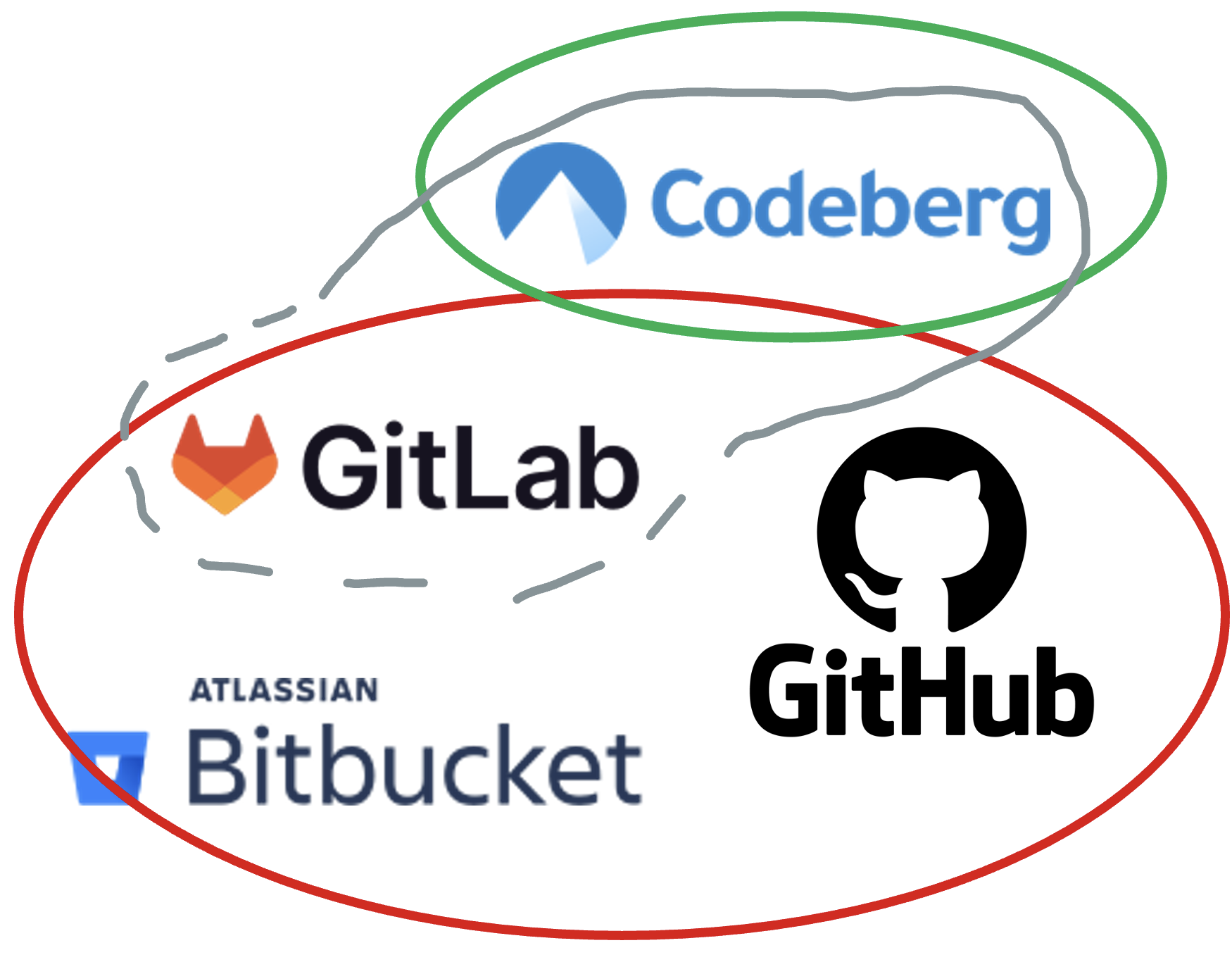
- You can clone a repo you have access to:
git clone ssh://git@codeberg.org/UsernameOrOrganisation/repo-name
Merge conflicts
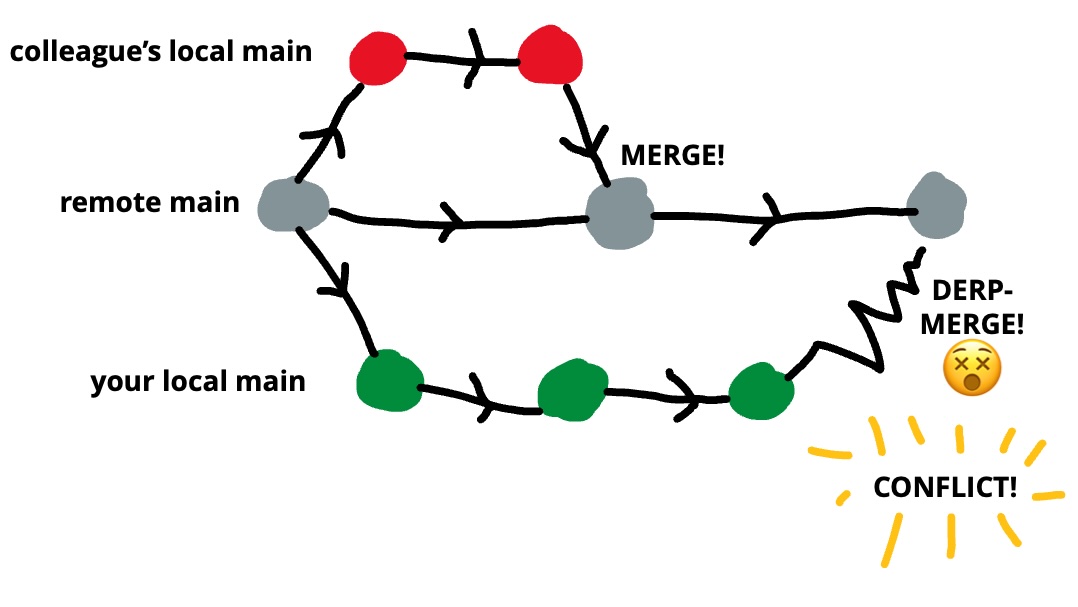
WATCH OUT!
- Your local branch may differ from the remote branch!
- Before pushing or pulling, make sure you have no changes that could clash with the remote

Creating a pull request: 1
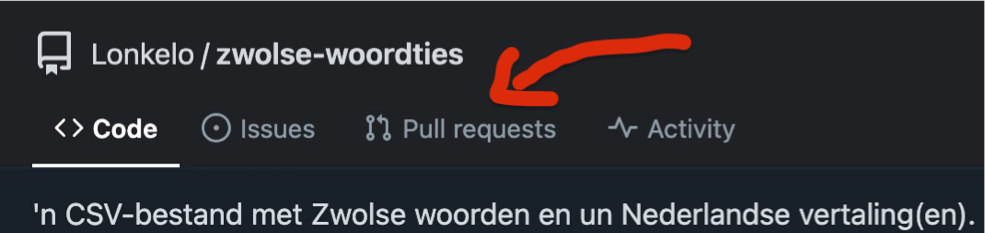
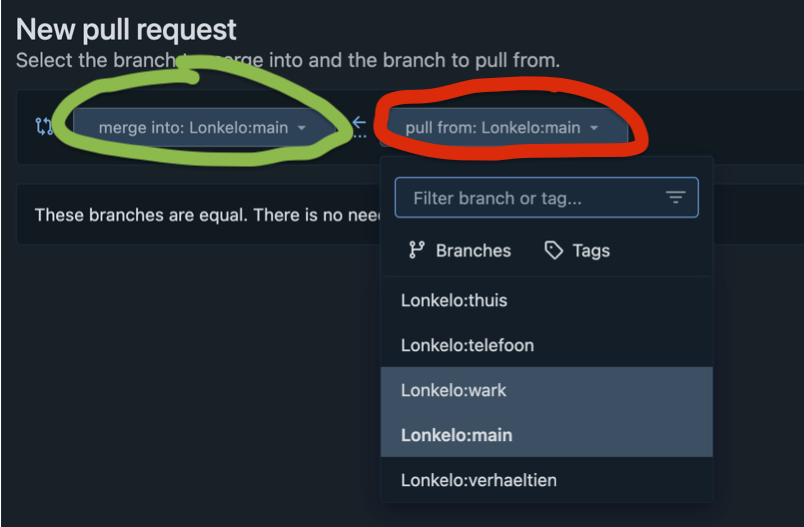
- Go to Pull requests tab
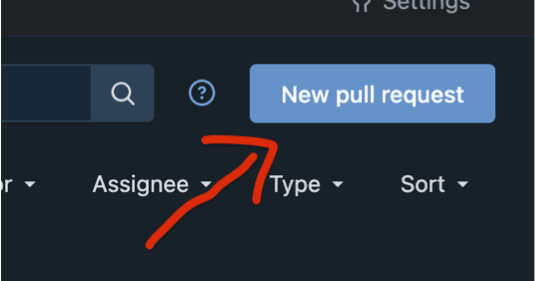
- Top-right on repo page on Codeberg, click New pull request
- Select the target branch (left) and new branch (right)
Creating a pull request: 2
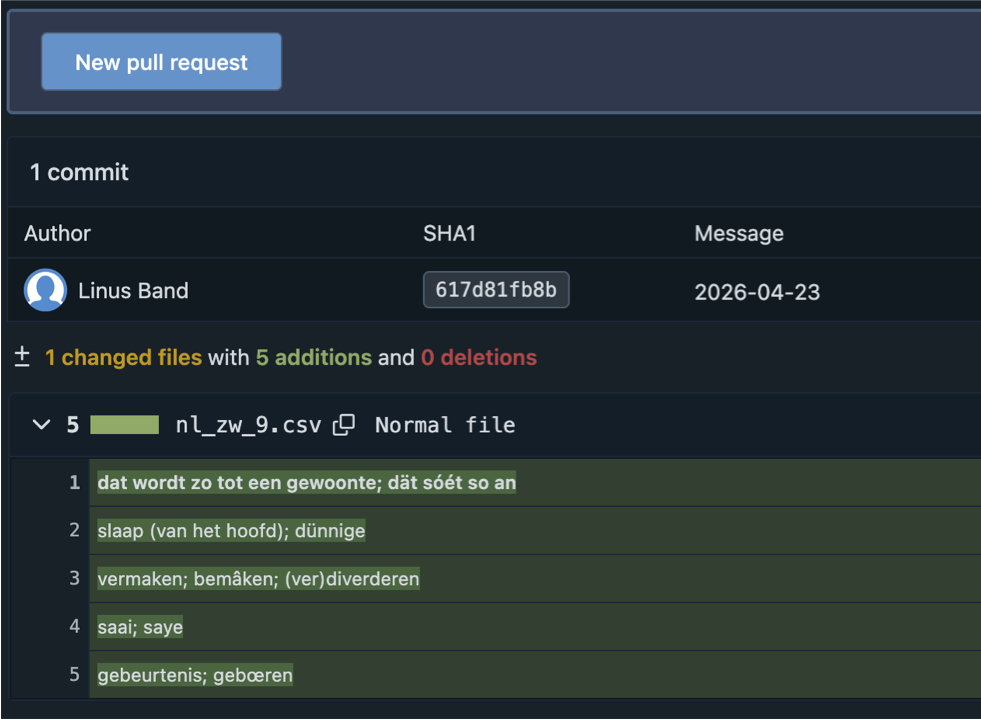
- Check your changes:
- Additions in green
- Removals in red
- Good? Click New pull request!
- In next screen:
- Add optional comments for others
- Assign reviewers (and/or labels and milestones)
Reviewing a pull request
- Any assigned reviewers check code:
- The proposed changes make sense
- The proposed changes work
- They approve the pull request (or not!)
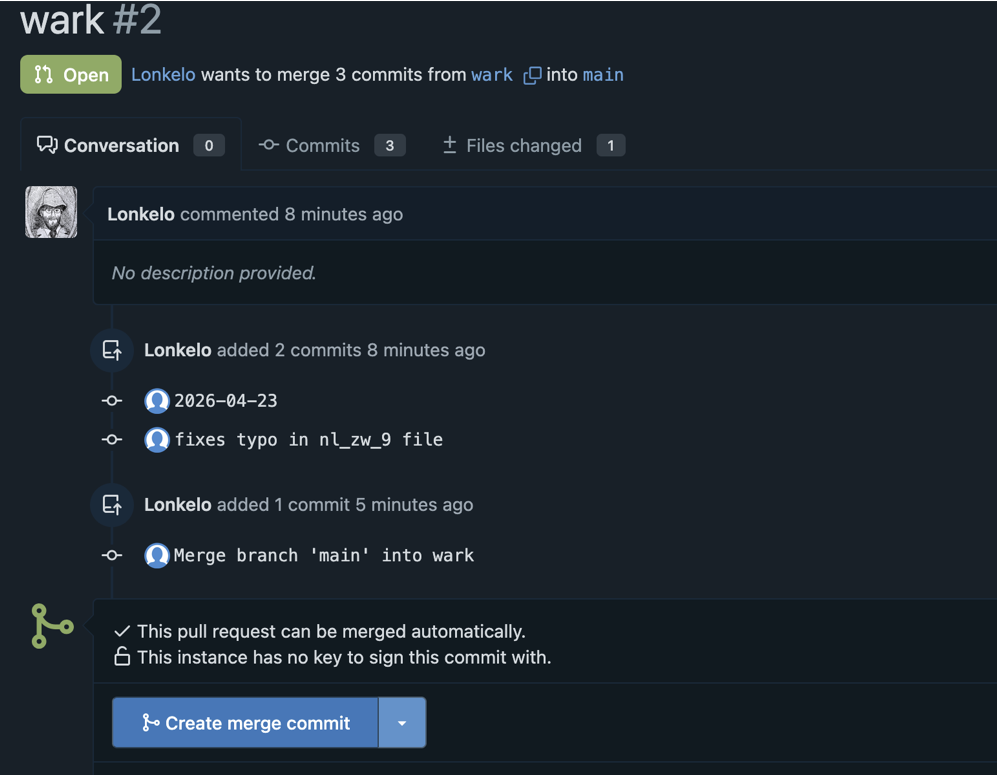
- Merge pull request by clicking Create merge commit
- Optionally add message
- Click Create merge commit button!
- Your target branch has been updated remotely!
☞ Note: make sure you pull the branch you merged into locally before continuing with new changes. Also clean up any branches you are done with.
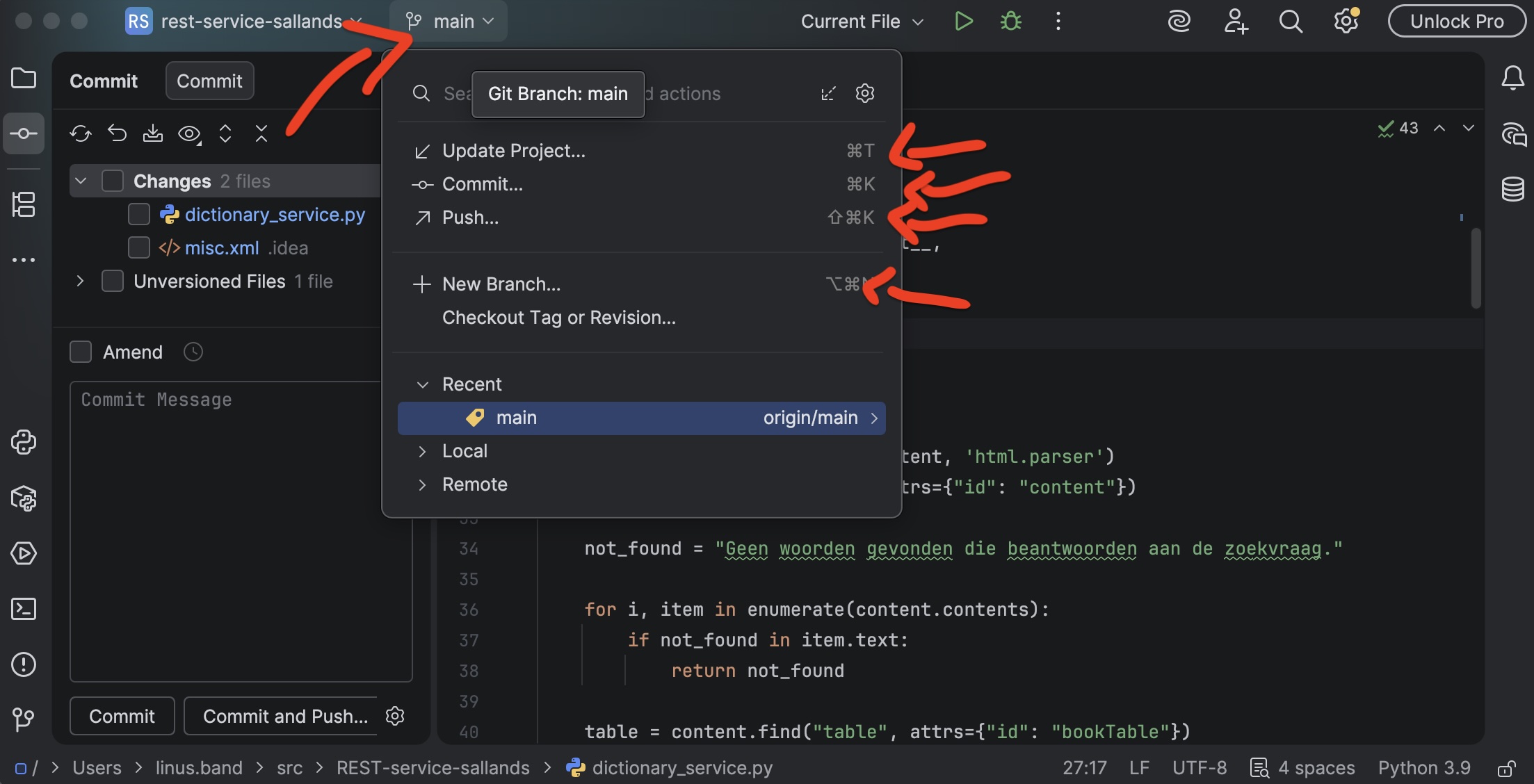
PyStorm
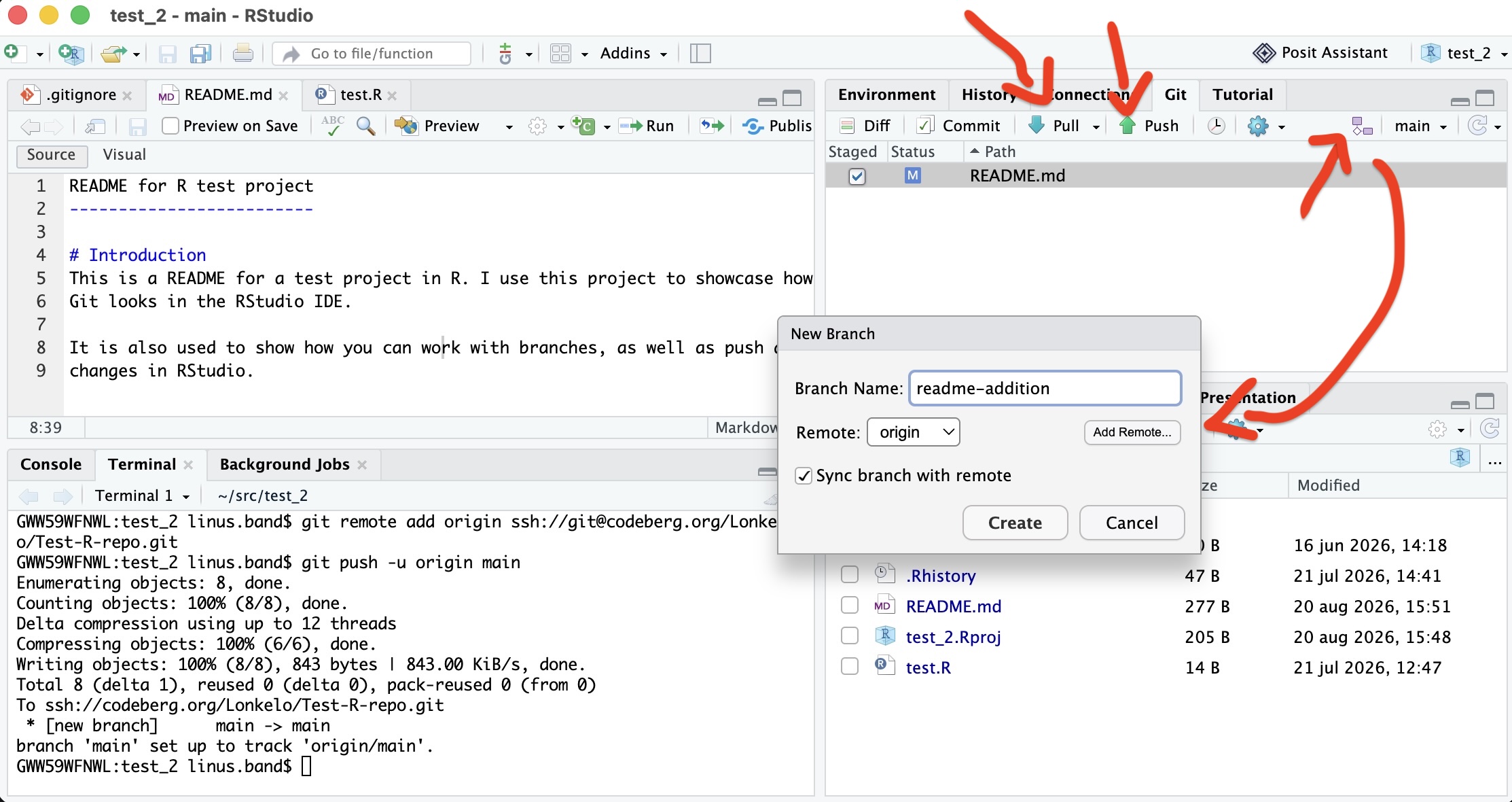
RStudio
Evaluation

- Please fill out the course evaluation
- Takes ± 2 minutes!
You got even Wiser!